
Dynamic vs static QR codes
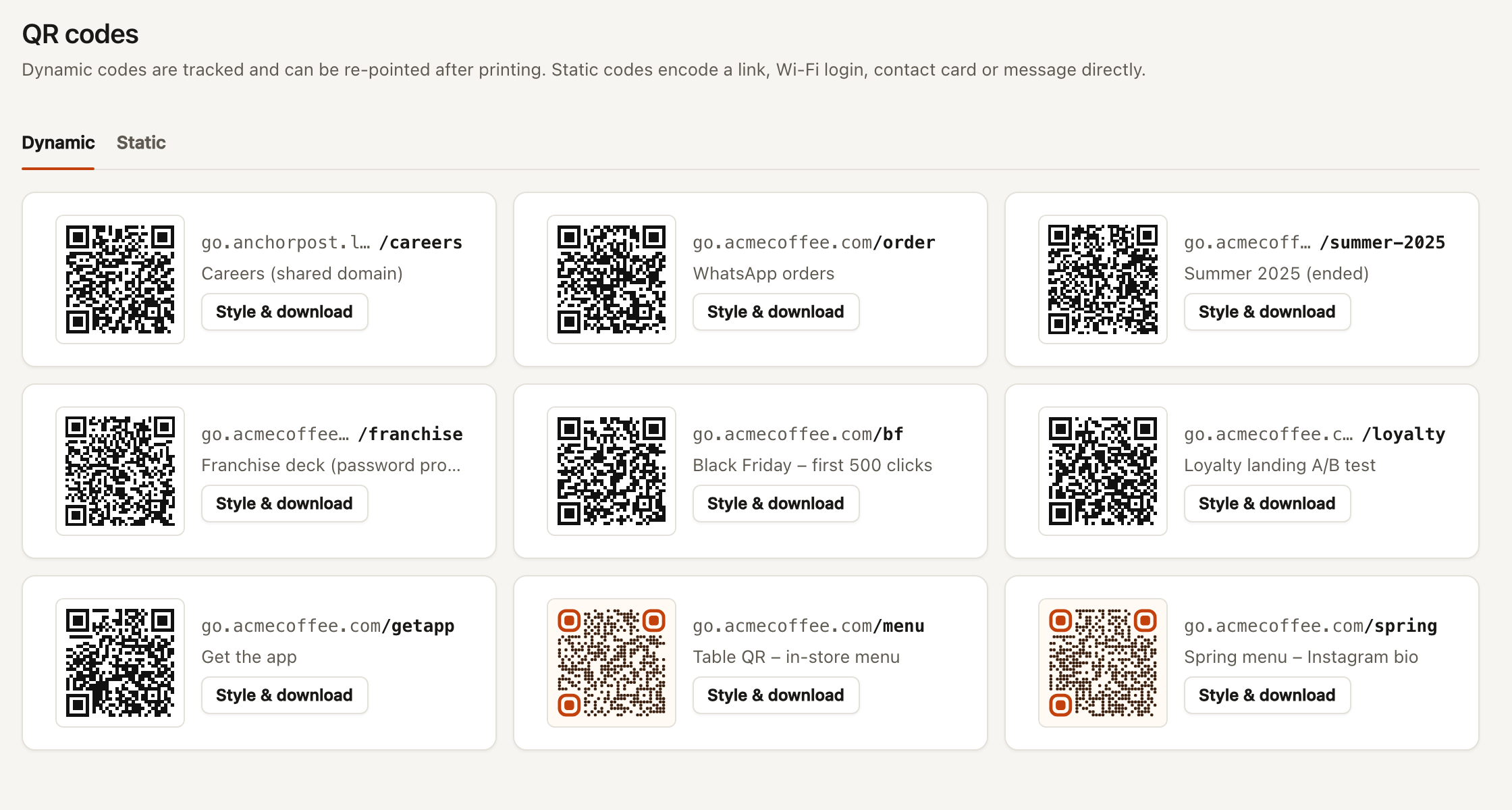
Dynamic codes encode your short link. You can change where the code goes after printing, and every scan shows up in analytics. Every link in Anchorpost has one; find them under QR codes → Dynamic or on the link’s QR code tab.
Static codes put the content in the code itself: a URL, a Wi-Fi login, a contact card, a message. Nothing is tracked and changing them means reprinting. Make them under QR codes → Static. See Static codes.
For anything that will be printed, use a dynamic code unless the content is something a phone must act on offline, like a Wi-Fi login.