
Connect a client's domain
Links on your client’s own domain get more clicks and build their brand. We recommend a subdomain such as go.clientbrand.com or links.clientbrand.com.
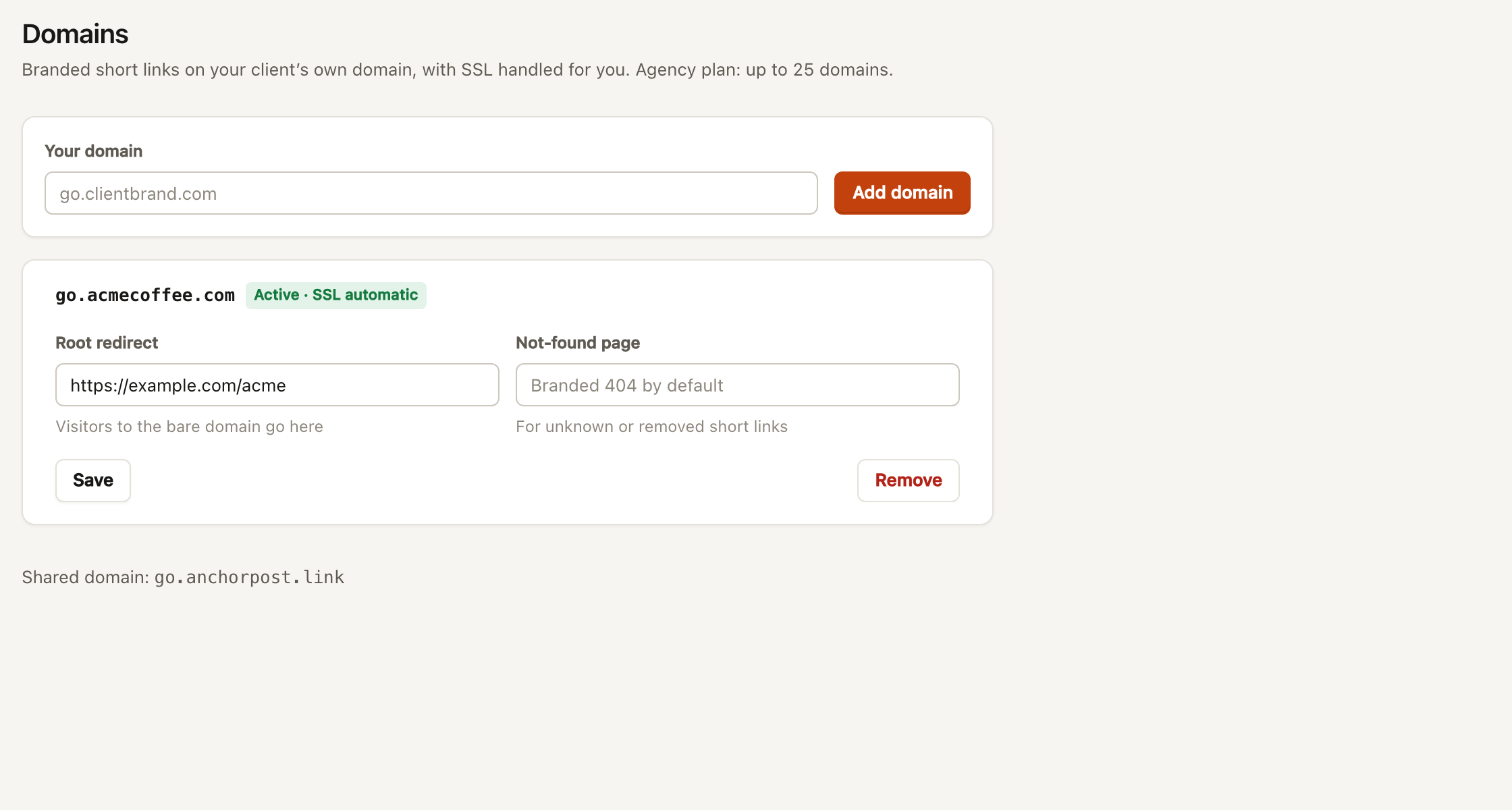
- In the client’s workspace go to Domains → Add domain. Type the subdomain and add it.
- At the DNS provider add a CNAME record from the subdomain (for example
go) to the edge host shown in the app. - Come back to Domains. We check every minute; the status moves from Pending to Active · SSL automatic. The certificate is issued on the first visit.
| Provider | Where | Notes |
|---|---|---|
| Cloudflare | DNS → Records → Add record | Set Proxy status to DNS only (grey cloud). Proxied records cannot get SSL from us. |
| GoDaddy | My Products → DNS → Add New Record | TTL 1 hour is fine. |
| Namecheap | Domain List → Manage → Advanced DNS | Host is just the subdomain, for example go. |
| Route 53 | Hosted zones → Create record | Routing policy: Simple. |
Provider-specific pages: Cloudflare, GoDaddy, Namecheap, Route 53.
After it is active
Section titled “After it is active”Set the root redirect and 404 page, then make it the workspace’s default domain under Settings so new links use it.