
A tour of the dashboard
| Page | What it is for |
|---|---|
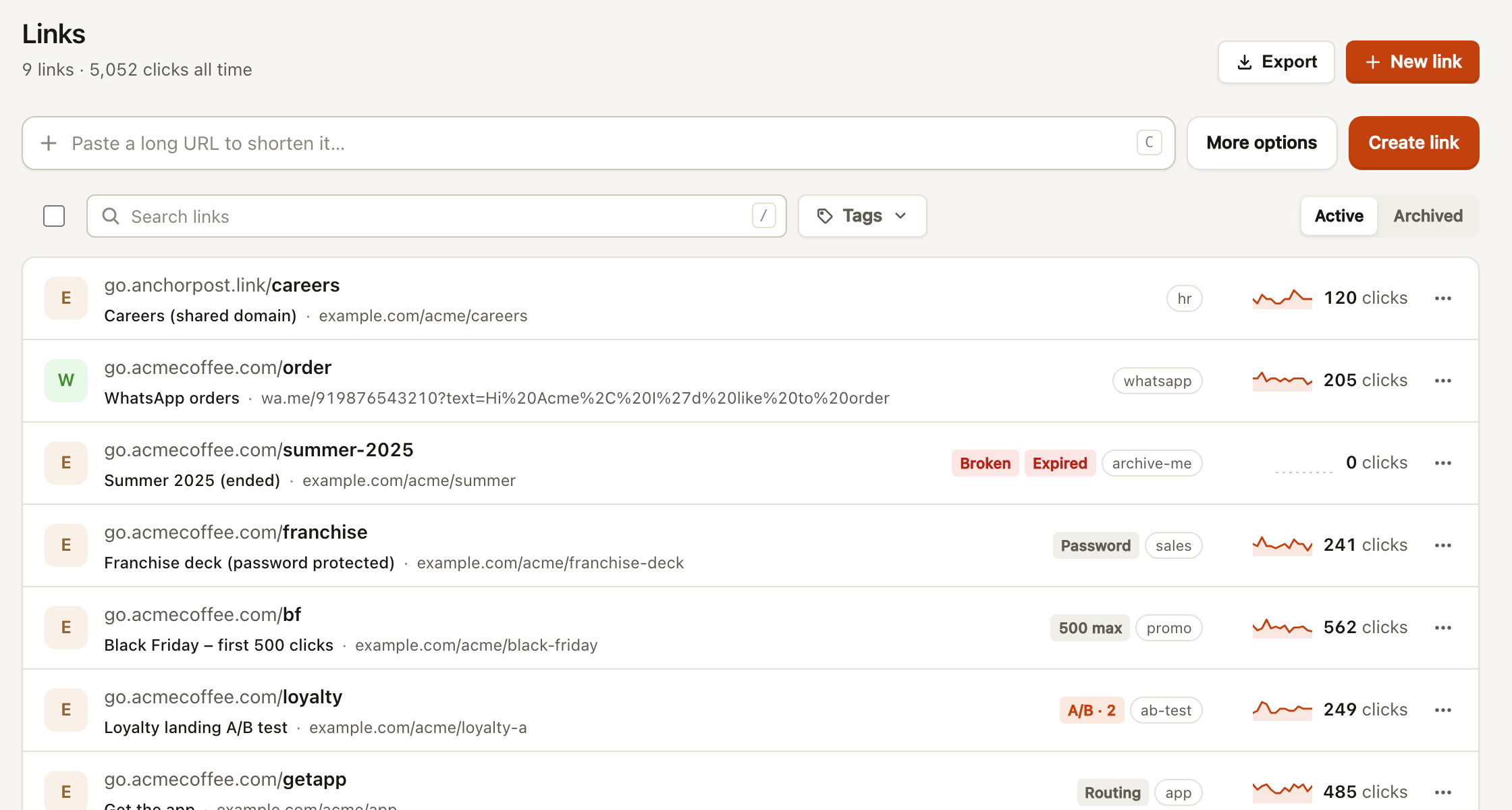
| Links | Create, search, edit, tag, archive and export links. The main working page. |
| Analytics | Clicks, unique visitors and QR scans for the workspace, with countries, referrers, devices and top links. |
| QR codes | Every dynamic code in one gallery, plus static codes for Wi-Fi, contact cards, email, SMS and phone. |
| Bio pages | Link-in-bio pages per client, with a live phone preview. |
| Reports | Read-only results links for clients, with your agency name and logo. |
| Domains | Connect a client’s own domain and set its root redirect and 404 page. |
| Pixels | Add a client’s ad pixels once; switch them on per link. |
| Import | Bring links in from Bitly, Switchy or any CSV. |
| Team | Invite people and set roles. |
| Activity | Who changed what, in every client workspace. Owners and admins only. |
| Billing | Your plan, usage against limits, and licence codes. |
| Settings | Workspace name, colour and default domain; your own name and theme. |
The search box at the top of the sidebar is also the command menu: press ⌘K (or Ctrl+K) to find a link, jump to a page, switch client or change theme.