
White-label client reports
Under Reports, create a report: all links in the workspace or only links with a tag, for a rolling period (7, 30 or 90 days) or fixed dates. Set your agency name and logo once under Reports → Agency branding; every report carries them.
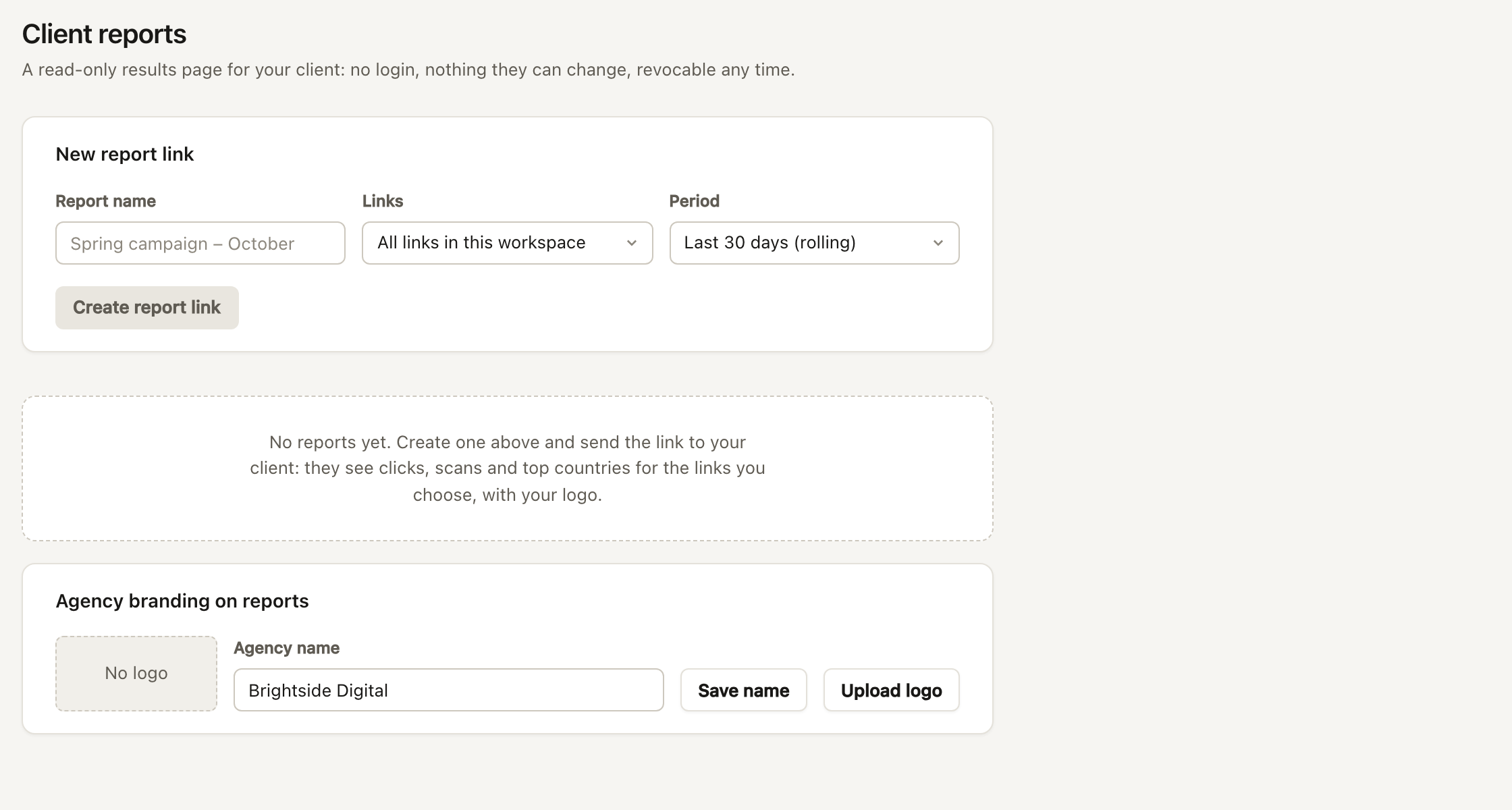
The page shows clicks and QR scans over time, top links, countries, referrers and devices. The client needs no login and sees nothing but your brand. Print or save PDF gives a printable copy.
For security the link is shown once. Anyone with the link can view it, so revoke it when the engagement ends; revoked links stop working immediately. Reports also show when they were last opened, so you know the client looked.